What is a developer humanoid robot, and should a normal buyer get one?
Unitree G1, Booster K1 and similar robots are sold as development platforms. What that means, what you can and cannot do with one at home, and who should actually buy one.

On this page
Search for "buy a humanoid robot" and the first robots you find are almost always developer humanoids. They have real prices, real stock and real delivery times, which is more than most home robots can say. That makes them tempting. But they are built for a different buyer, and it is worth understanding what you would actually get.
Key facts
- Developer humanoids are robots sold as platforms for programming, research, education and demos
- Examples: Unitree R1, G1 and H2, Booster K1, T1 and T2, NEURA 4NE1 Mini, EngineAI PM01
- Prices: from $4,900 (Unitree R1 Air) to $29,900 (Unitree H2)
- What they do out of the box: walk, balance, dance, wave, follow simple commands
- What they do not do: household chores
What "developer platform" means
A developer humanoid is sold as hardware plus tools for building your own behaviours. The maker supplies the body, the motors, the sensors, the basic motion control and a software kit. What the robot does beyond the basics is up to you, or to a lab, a school or a company that writes the code.
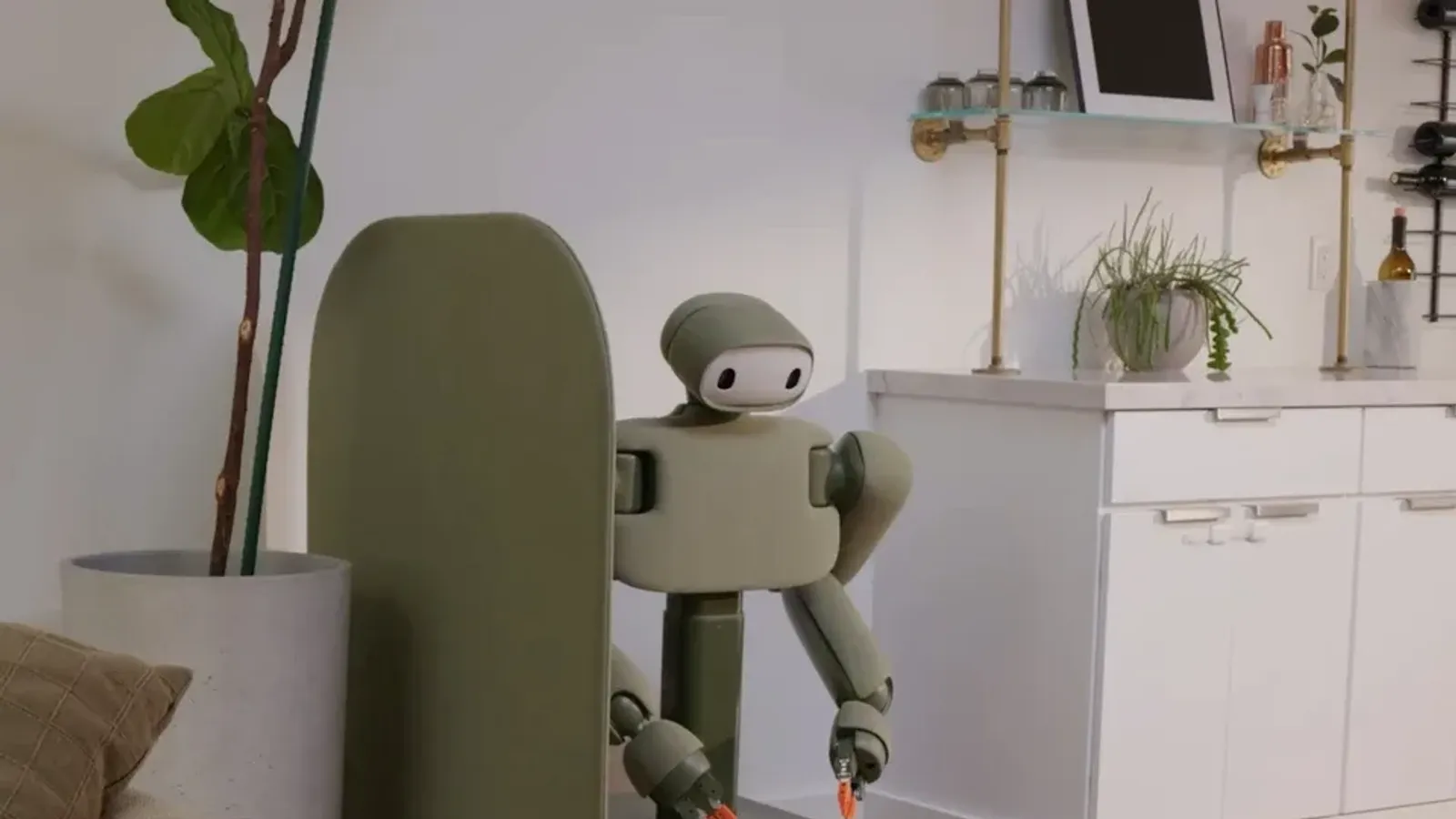
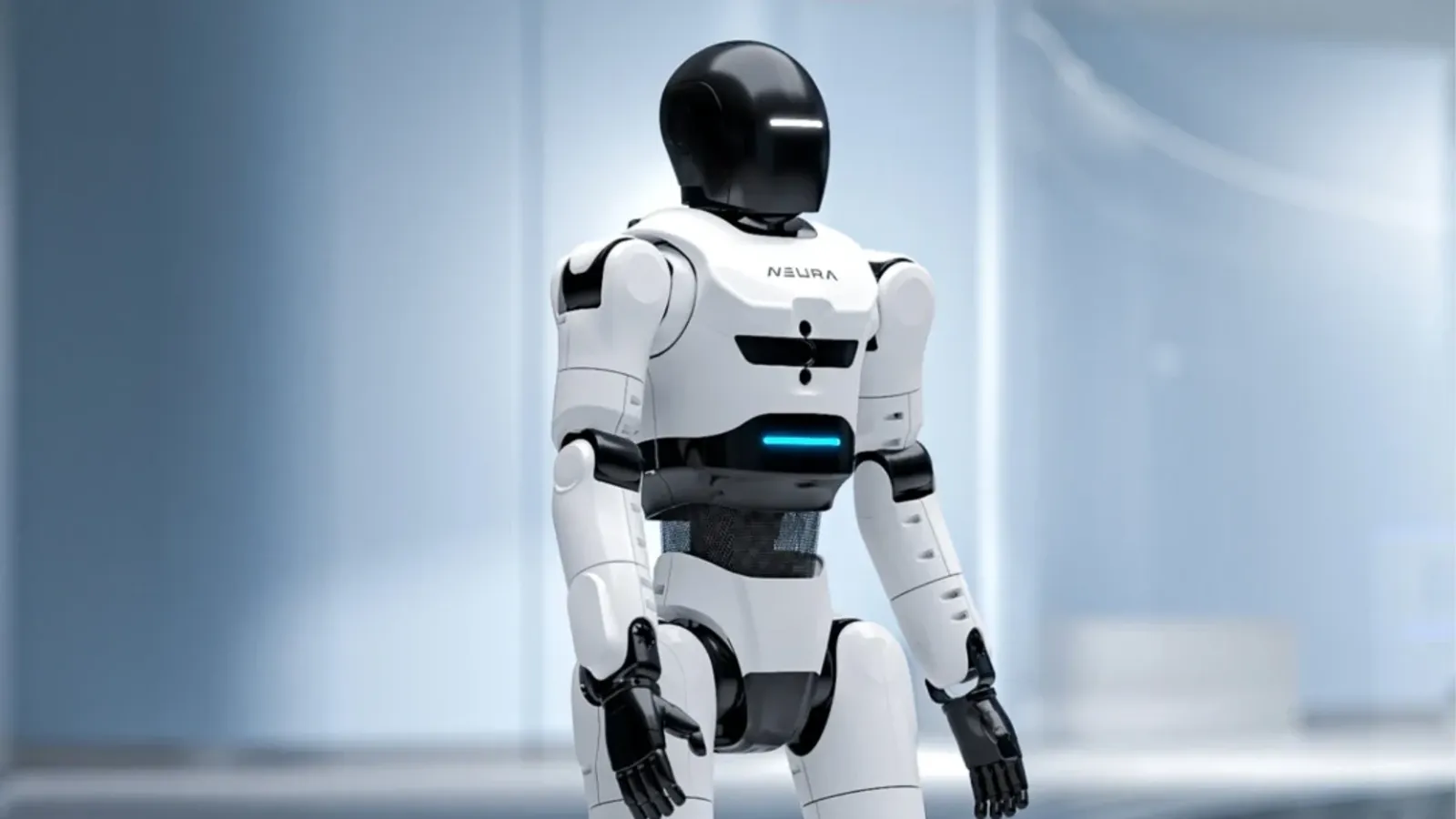
Booster is clear about it. It calls the K1 an introductory embodied development platform and ships it with Python and C++ SDKs and simulation tools. NEURA aims its 4NE1 Mini at classrooms, labs and prototyping, with Python, C++ and ROS 2 support.
The EDU catch on Unitree robots
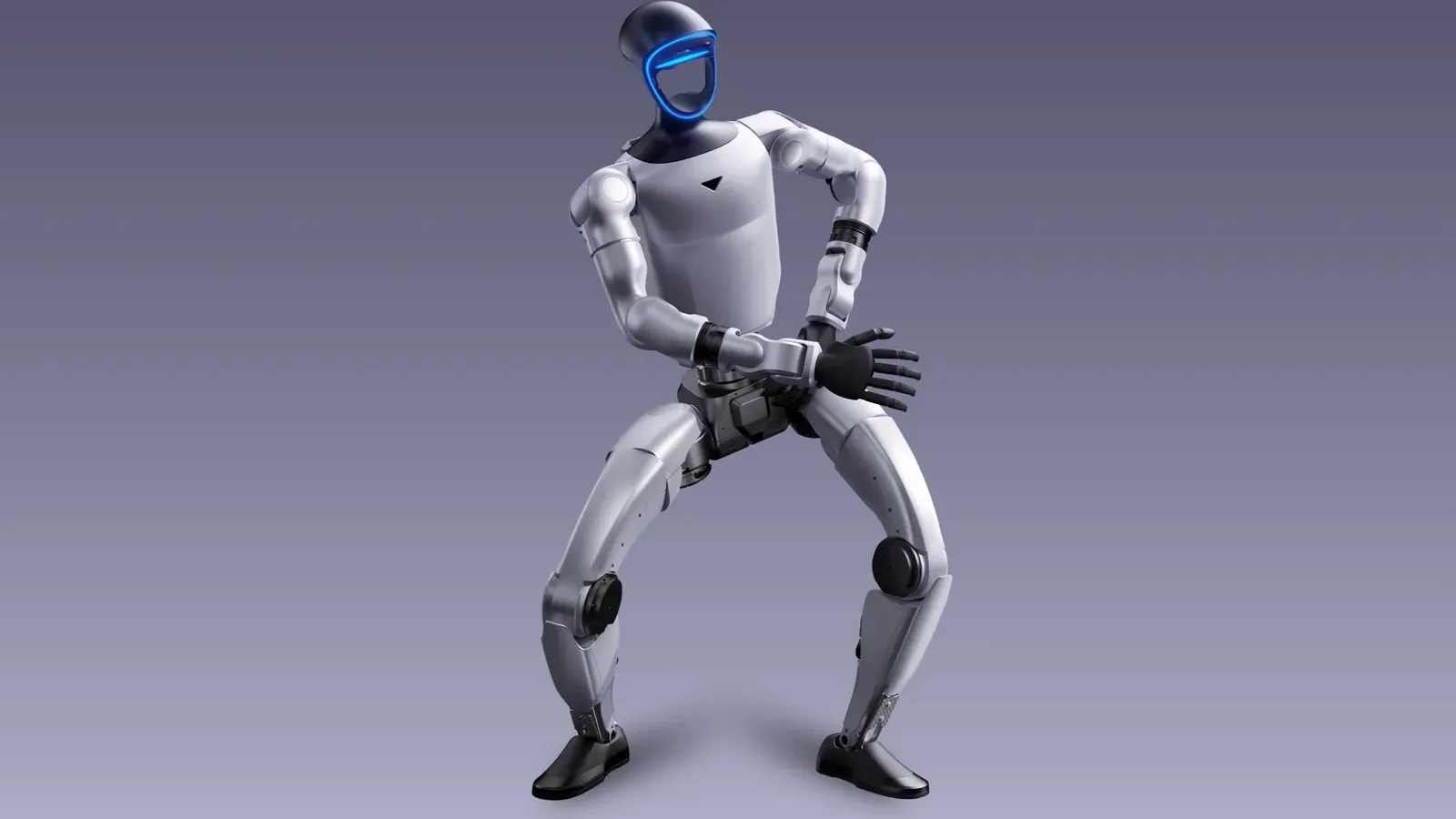
Unitree splits its robots into standard and EDU versions. According to Unitree's shop, the standard G1 and R1 do not support secondary development, which means you cannot program them yourself. To write your own code you need the EDU version.
- R1 Air: $4,900, no owner programming
- R1 EDU: $10,500
- G1: $13,500, no owner programming
- G1 EDU: price on request
So the "cheap" entry point is a robot you can control with the maker's app and modes, but not extend. For many hobby buyers, that is fine. For anyone who wants to build something, it changes the budget.
What you can do with one at home
- Walk it around, show it off and run the maker's preset moves and dances.
- Use voice and app control. Booster K1 has chat, soccer and dance modes.
- Learn robotics. With an SDK, you can program movements, use the cameras and try AI models.
- Join a community. Robot soccer and competitions are active, and Booster K1 and T1 are widely used in RoboCup.
What you cannot do with one at home
- Have it tidy, fold laundry, cook or clean. No developer humanoid ships with household chores.
- Leave it running for hours. Battery life is about an hour on the Unitree R1 and as little as 20 minutes of walking on the Booster K1 Geek.
- Treat it as a toy around small children. Unitree advises keeping a safe distance during use.
- Expect long warranties. Unitree's run 6 to 18 months, and Booster's K1 Geek edition has 3 months.
Who should buy one
When I think about who gets real value from these robots, it is a short list.
- Students and hobbyists who want to learn robotics and AI on real hardware.
- Schools and universities teaching robotics.
- Developers and startups building software for future robots.
- Content creators and events who want a robot that draws a crowd.
- Enthusiasts who understand they are buying a machine to experiment with.
Who should not
- Anyone who wants help with housework.
- Anyone who wants a companion for children or older relatives without supervision.
- Anyone expecting the robot to get much more useful over time without effort. Some software updates will come, but the useful behaviours mostly come from what you build.
Who should buy one
A developer humanoid is a fine purchase if you want to learn, build or show off, and the Unitree R1 or Booster K1 is an accessible way in. It is the wrong purchase if you want help at home, and a lower price does not change that. If programming is the point, budget for the EDU version on Unitree robots, or pick a robot that ships with an SDK. For a direct comparison of the three most popular options, read Unitree G1 vs Booster K1 vs Unitree R1.